
InsightCubes’ SAP Analytics Cloud Consolidation Landing Page Dashboard provides easy access to all Cloud Consolidation extension stories and analytic applications.
The Home page contains links to all SAP Cloud Consolidation components, including Data Action Triggers, Stories, and Analytic Applications. The sequence starts with data import and preparation and ends with consolidation and data locking.
The Landing Page is an all-in-one interface, offering full visibility and control over the consolidation process.
Cloud Consolidation Extension – Data Import
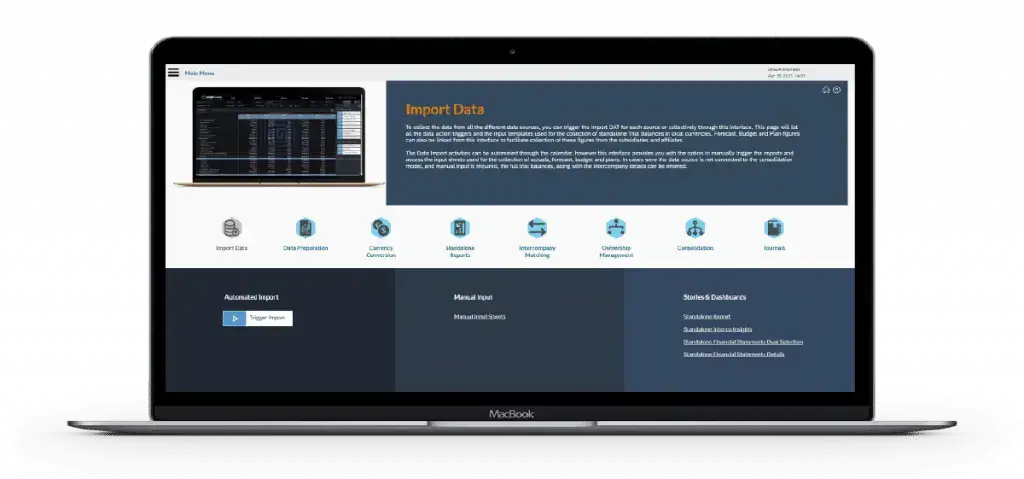
To collect the data from all the different data sources, you can trigger the Import DAT for each source or collectively through this interface. This page will list all the data action triggers and the input templates used for the collection of standalone Trial Balances in local currencies. This interface also links Forecast, Budget, and Plan figures to help subsidiaries and affiliates submit their data.
The user can automate Data Import activities using the calendar, but the interface also allows the user to manually trigger imports and access input sheets for collecting actuals, forecast, budget, and plan figures. When a data source doesn’t connect to the consolidation model, the user must manually enter full trial balances and all intercompany details directly into the system.
Cloud Consolidation Extension – Data Preparation
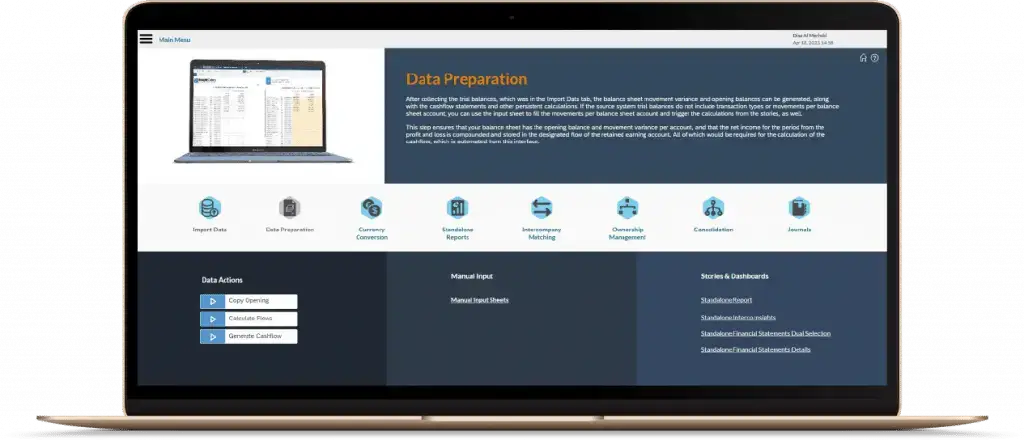
After the user collects the trial balances from the Import Data tab, they can generate the balance sheet movement variance, opening balances, cashflow statements, and other persistent calculations. If the source system trial balances do not include transaction types or movements per balance sheet account, you can use the input sheet to fill the movements per balance sheet account and trigger the calculations from the stories, as well.
This step records the opening balance and movement variance for each account. It compounds the period’s net income from the profit and loss and stores it in the designated retained earnings flow. The interface automates the cash flow calculation, which requires all of these inputs.
Currency Conversion
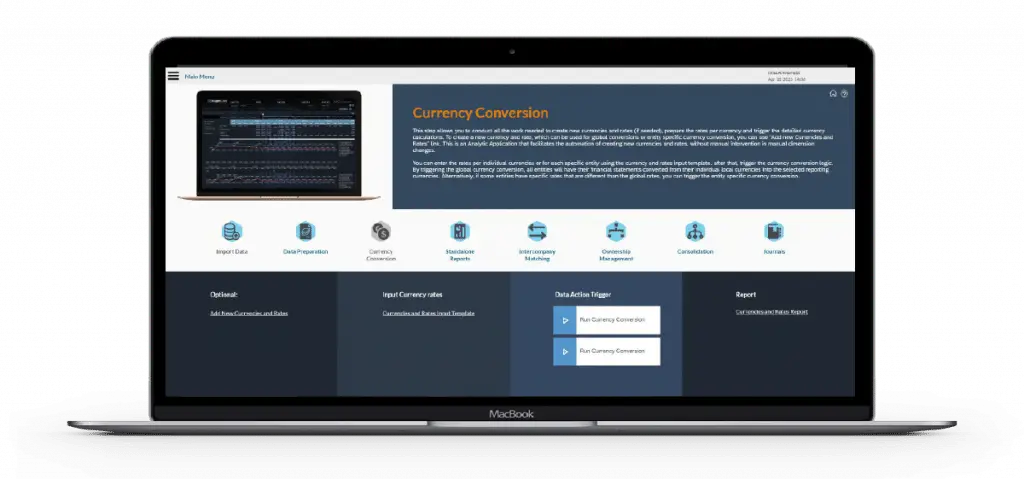
This step allows you to conduct all the work needed to create new currencies and rates (if needed), prepare the rates per currency and trigger the detailed currency calculations. To create a new currency and rate, which can be used for global conversions or entity-specific currency conversion, you can use the “Add new Currencies and Rates” link.
This is an Analytic Application that facilitates the automation of creating new currencies and rates, without manual intervention in manual dimension changes.
You can enter the rates per individual currencies or for each specific entity using the currency and rates input template. after that, trigger the currency conversion logic.
By triggering the global currency conversion, all entities will have their financial statements converted from their individual local currencies into the selected reporting currencies. Trigger the entity-specific currency conversion for entities with rates differing from the global rates.
Standalone Reports
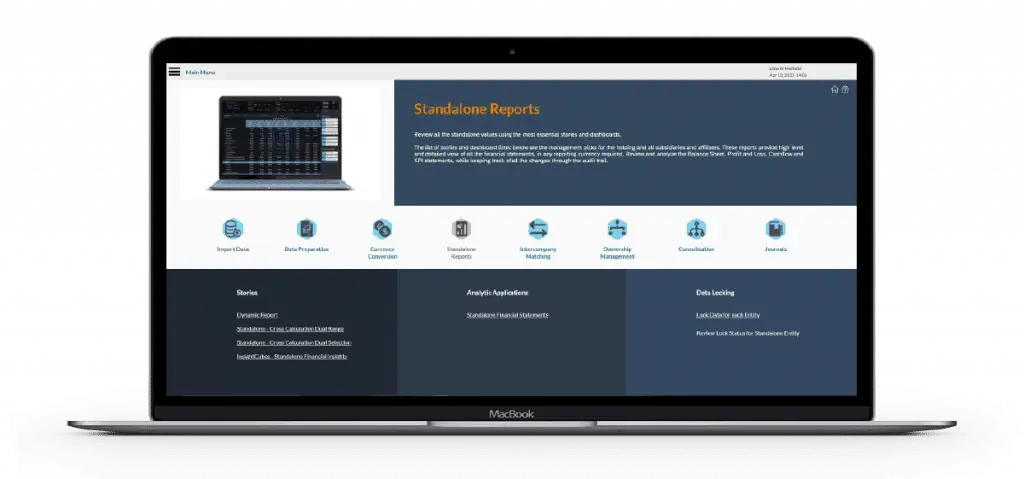
Review all the standalone values using the most essential stories and dashboards.
The list of stories and dashboard listed below are the management picks for the holding and all subsidiaries and affiliates. These reports provide a high-level and detailed view of all the financial statements, in any reporting currency required.
Review and analyze the Balance Sheet, Profit and Loss, Cashflow, and KPI statements, while keeping track of all the changes through the audit trail.
Intercompany Matching
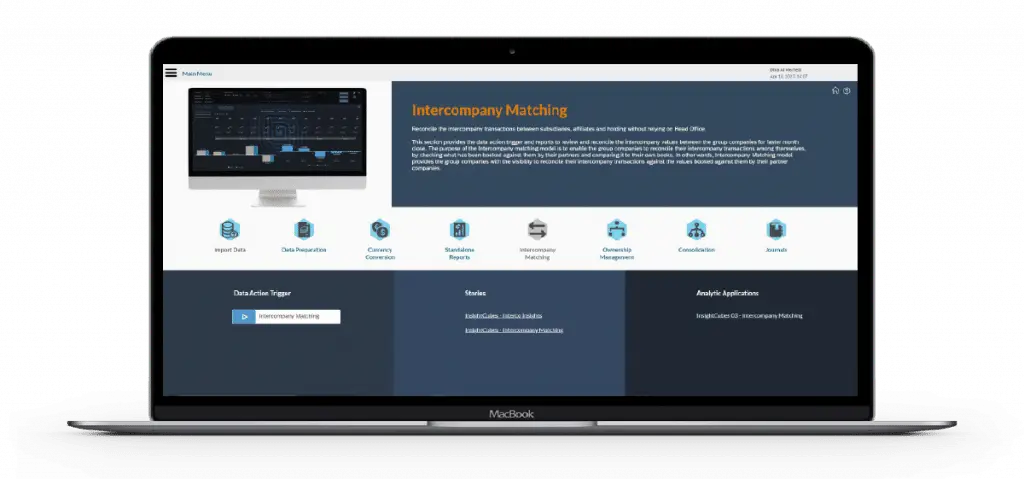
Reconcile the intercompany transactions between subsidiaries, affiliates, and holding without relying on Head Office.
This section offers the Data Action Trigger and reports to reconcile intercompany values between group companies for faster month-end close. The Intercompany matching model lets group companies reconcile transactions by comparing their records with those of their partners.
In other words, the Intercompany Matching model provides the group companies with the visibility to reconcile their intercompany transactions against the values booked against them by their partner companies.
Ownership Management
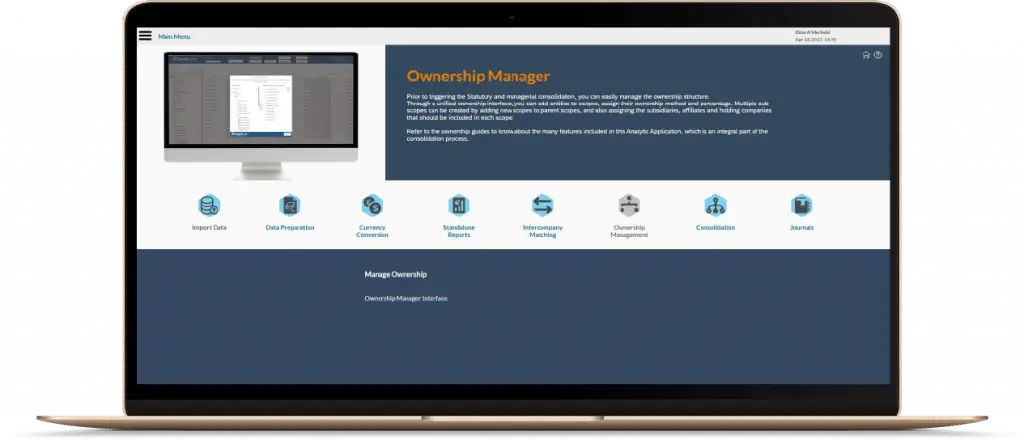
Prior to triggering the Statutory and managerial consolidation, you can easily manage the ownership structure.
Through a unified ownership interface, you can add entities to scopes. Then, you can assign their ownership method and percentage. Multiple sub-scopes are created by adding new scopes to parent scopes and assigning subsidiaries, affiliates, and holding companies to each.
Refer to the ownership guides to know about the many features included in this Analytic Application, which is an integral part of the consolidation process.
Consolidation
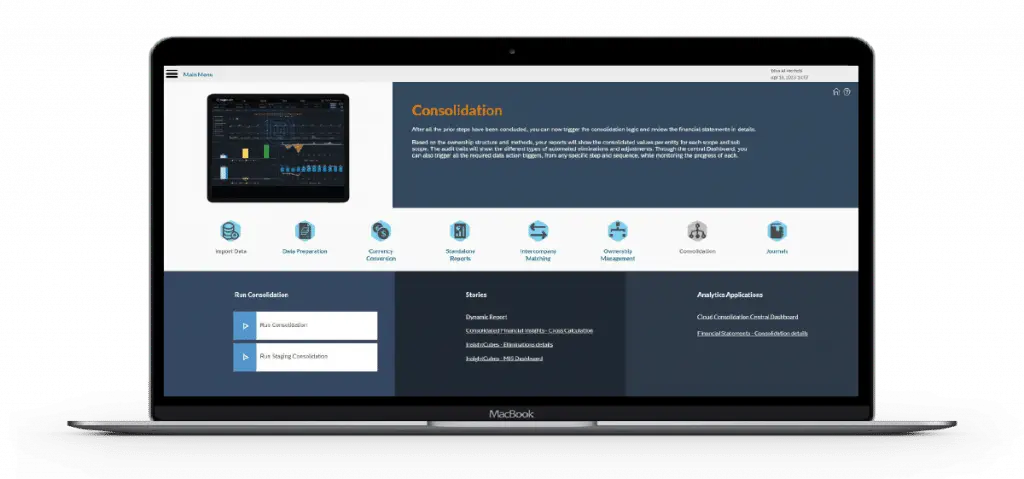
After completing all prior steps, the system triggers the consolidation logic and generates detailed financial statements for review.
Based on ownership structure and methods, reports show consolidated values per entity for each scope and sub-scope. The audit trails will show the different types of automated eliminations and adjustments. The central Dashboard lets you trigger all required Data Action Triggers from any step. It also monitors the progress of each trigger.
Journals
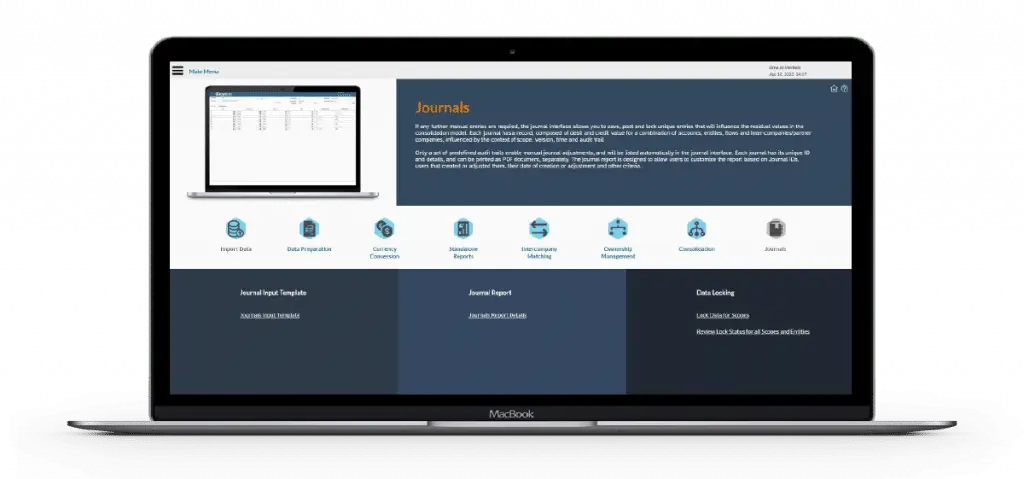
When additional manual entries are required, the journal interface lets users save, post, and lock unique entries. These entries affect residual values in the consolidation model. Each journal records debit and credit values for specific combinations of accounts, entities, flows, and intercompany partners. The system evaluates these records based on scope, version, time, and audit trail.
Only a set of predefined audit trails enable manual journal adjustments, and will be listed automatically in the journal interface. Each journal has its unique ID and details, and can be printed as PDF document, separately. The journal report supports filtering by Journal ID, creator, modification date, and other criteria.
Landing Page Menu
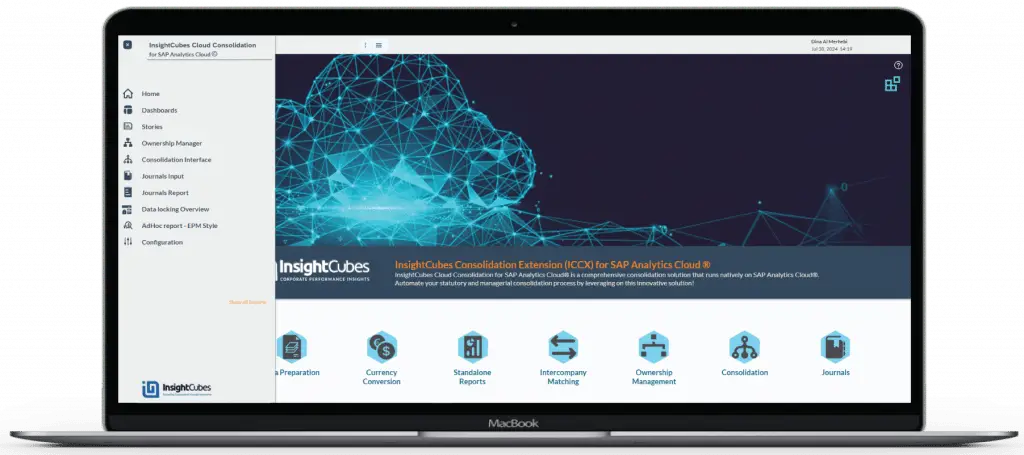
The Home page provides a comprehensive overview and documentation of InsightCubes’ Cloud Consolidation Extension steps. It lists Data Action Triggers, Stories, and Analytic Applications, enabling navigation to specific components. The Menu provides access to a customizable list of Stories and Analytic Applications. These support reporting on financial statements, Data Action status, EPM-style ad-hoc reports, Journal reports, and other favorite interfaces.